


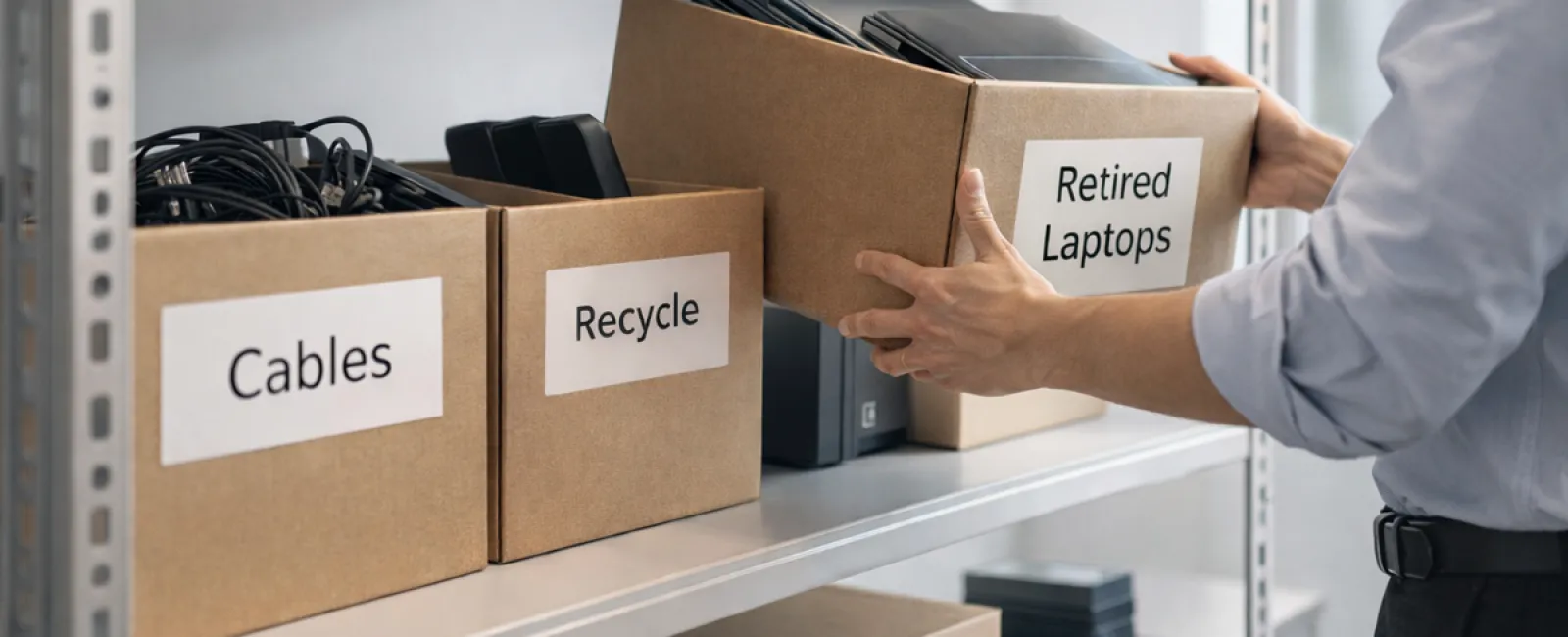
While many start spring cleaning by tackling closets, the bigger mess for most companies isn't just on shelves.
It might be piled on a server rack, stored away in back rooms, or even tucked under the "we'll handle this later" label.
Outdated laptops. Decommissioned printers. Backup drives lingering from several upgrades past. Boxes of cables kept "just in case."
Every organization builds up this clutter.
The real question is not if it's there, but whether you have a clear plan to manage it.
Technology Has a Lifecycle — Beyond Its Purchase Date
Purchasing new tech usually has a clear rationale: improved speed, enhanced security, greater capability, or support for growth.
Most companies carefully plan technology buys—but few map out how to retire devices responsibly.
Equipment retirement often happens quietly: devices get replaced, set aside, then eventually cleared out.
That's typical.
But what's rarer is treating tech retirement with the same strategic intent as acquisition.
Old technology holds residual value, recyclable parts, and potentially sensitive data. It can become a burden if left to sit unused.
Spring offers a perfect moment to pause and ask: What's still useful, and what's just occupying space?
A Straightforward Method to Refresh Your Tech
Turn your "maybe someday" cleanup into action with our clear four-step system.
Step 1: Take Inventory
Identify what you're retiring: laptops, phones, printers, networking equipment, external drives? You can't manage what you don't know is there, and a quick scan often reveals more than expected.
Step 2: Choose the Right Endpoint
Each device typically fits one of these categories: reuse (internally or as donations), recycle (via certified e-waste programs), or destroy (when sensitive data is involved). The key is to decide deliberately—not let gear linger in limbo.
Step 3: Properly Prepare Devices
Discipline here pays dividends.
For reuse or donation, remove devices from management systems, revoke access, and thoroughly wipe data—not just a factory reset. Simply deleting files or quick formatting doesn't erase data; it just hides where it is.
Research from data security firm Blancco revealed 42% of drives resold on eBay still contained sensitive information—even though sellers claimed proper deletion. Certified tools ensure every sector is overwritten and provide verification reports.
Recycle through certified e-waste providers—not regular trash or curbside bins. For instance, Best Buy's recycling program is designed for household residents, not businesses.
Commercial gear requires certified IT asset disposition (ITAD) providers or business-focused recyclers. Look for e-Stewards or R2 certifications (find listings at e-stewards.org and sustainableelectronics.org). Your IT provider can often coordinate this.
If devices need destruction, use certified data wiping or physical destruction methods like shredding or degaussing. Keep records of serial numbers, methods, dates, and handlers.
This isn't paranoia—it's closing the loop responsibly.
Step 4: Document and Finalize
After equipment leaves your premises, track its destination, how it was handled, and verify access was removed. Documentation clears any future doubts.
Devices Often Overlooked in Cleanups
Laptops get most attention, but other devices often slip through.
Phones and tablets may still hold email credentials, contact data, or authentication apps. Factory resets handle most data, but certified mobile wipe tools offer deeper security. Major brands like Apple and Samsung have trade-in programs—for even older devices—offering credits toward new gear.
Modern printers and copiers often contain internal hard drives storing all printed, scanned, copied, or faxed documents. If returning leased equipment, get written assurance the hard drive will be wiped or removed before redeployment.
Batteries are EPA-classified hazardous waste. In several states (like California, New York, Minnesota), businesses cannot legally trash rechargeable batteries. Remove them when possible, tape terminals to prevent shorts, and bring to certified drop-offs. Call2Recycle.org provides location maps, and stores like Staples, Home Depot, and Lowe's accept rechargeable batteries.
External drives and retired servers often linger in closets far longer than intended. While not inherently problematic, they should undergo the same retirement process as other equipment.
Important Notes on Recycling
April brings Earth Day reminders—timely prompts for responsible disposal.
Electronic waste does not belong in landfills. Globally, over 62 million metric tons of e-waste are produced annually, yet only about 22% is properly recycled. Components like batteries, monitors, and circuit boards must enter certified recycling streams. Many communities provide convenient e-waste collection programs.
Handled responsibly, tech retirement is operationally efficient, eco-friendly, and strategically wise. You never have to choose between security and sustainability—you can achieve both.
This approach also offers a subtle, positive message for your company's social channels. Customers appreciate when businesses handle tech responsibly without fanfare.
Unlocking Greater Potential
Spring cleaning is less about discarding and more about creating space.
Clearing out old devices is only one piece. Use this moment to ask a bigger question: Does our tech truly support how we want to operate?
While hardware rotates, software, systems, automation, and workflows are what really drive efficiency and growth.
Properly retiring outdated tech is smart upkeep. Aligning your broader technology with business aims keeps you moving ahead.
How We Assist
If you already have a streamlined equipment retirement process, that's excellent—it should be seamless and routine.
Meanwhile, it's a great opportunity to evaluate your overall tech environment. Are your systems integrated? Are your tools collaborating smoothly? Is your technology driving growth or just maintaining operations?
If you'd like to pause and explore how your technology stack, systems, and workflows bolster productivity and profits, we're ready for that conversation.
No checklists. No pressure. Just practical insights on optimizing tech for your business.
Click here or give us a call at 817-589-0808 to schedule your free 30-Minute Discovery Call.
If this inspired you, share it with another business owner.
Spring cleaning goes beyond closets—include the systems that power your business.


